Look & feel
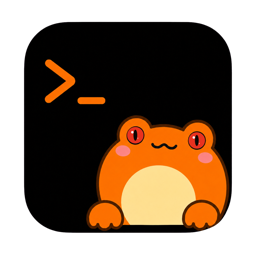
The Frog
Hyla is a genus of tree frogs, and one of them lives on your window's edge: hands on the title bar, eyes on your sessions.
What it does
- Hops when a session needs you, so the window catches your eye before the sidebar does.
- Peeks over the edge while an agent is working, and settles back when the work is done.
- Sleeps when everything is quiet.
- Answers a click: poke it and it reacts, and the menu bar's frog does too.
It never covers what you are reading: it stands on the window's edge, above the toolbar.
Move it, or change it
Drag it along the edge to put it where it does not get in the way: pet-offset records where, 0 to 1 across the window.
pet-set decides who lives there: hyla for the tree frog, codex for the pet the Codex app is using, or the name of a pet's directory in ~/.codex/pets. A Codex pet's height is pet-size, 0.5 to 3 times the app's.
Turn it off
View › Toggle Hyla (⌘ ⇧ K) turns the frog off and on, and pet = false does the same in the configuration file. Off, the window keeps its plain edge and the menu bar icon stays.