
Hyla · protocol 4
Run youragents.
One window for every agent in flight. Sessions outlive the window, and the sidebar says who needs you.
- sessions outlive the window
- ghostty · panes · themes
- macos · windows · linux
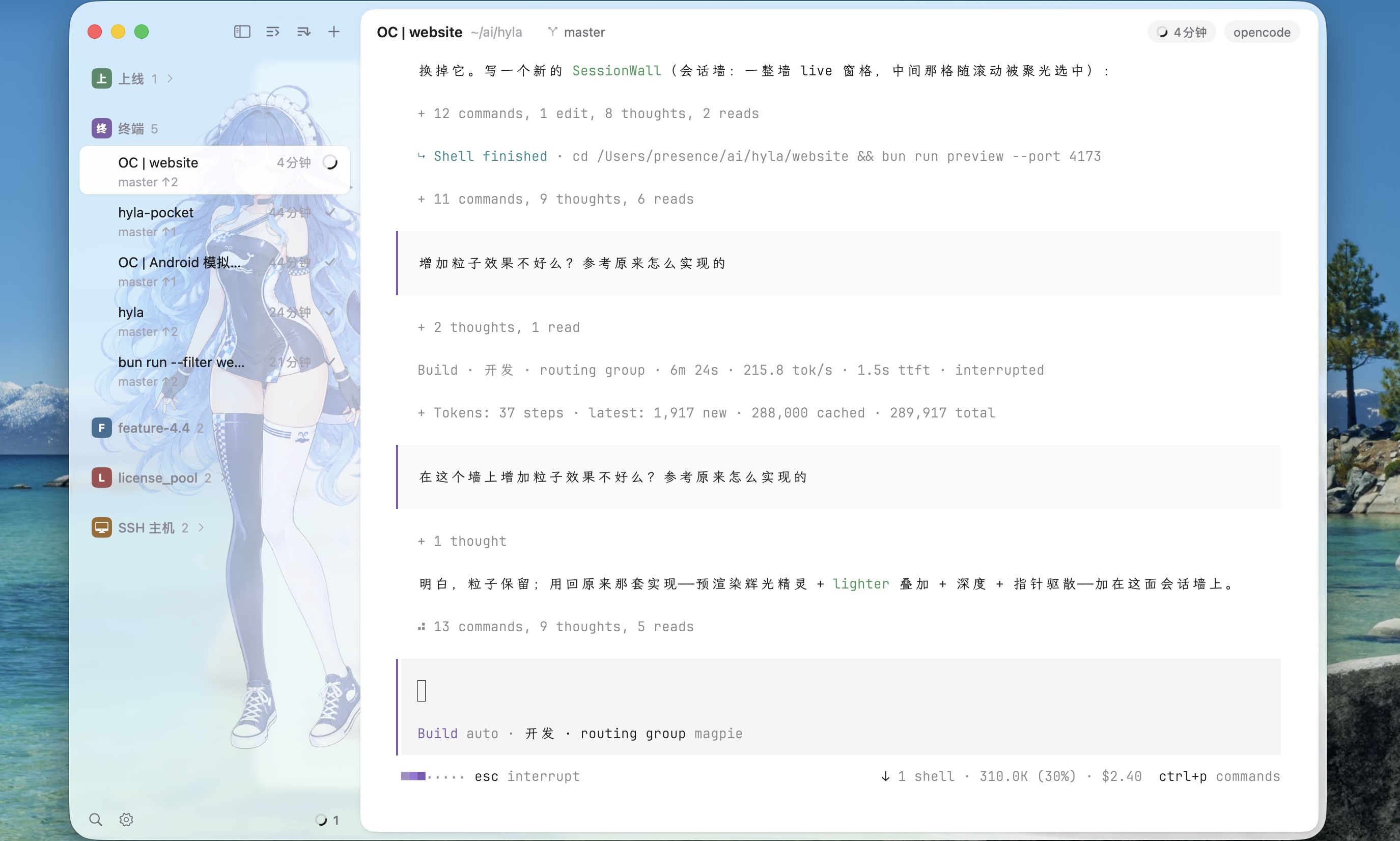
Every agent, one window
An agent reviews, lazygit shows the diff, and the dev server runs beside them.
Start it, close it, come back
Sessions live in hylad, so quitting Hyla leaves them running.
Drive it from the shell
Start, split, type, wait and read — from your shell or your agent’s.
$ hyla new -n fix-login -- claude
k3f9a2
$ hyla ls
hyla
  k3f9a2  fix-login       working   claude
  p81c0d  review-pr-42    waiting   codex
  d07e11  dev server      idle      zsh
$
Kero’s terminal, Hyla’s sessions
Rendering, panes and config come from Kero. Sessions, agents and phones are Hyla’s own.
Ghostty draws it
libghostty renders every pane: fast, correct, familiar.
- every Ghostty theme
- plain-text config
Panes, tabs, splits
Split, zoom and rearrange; tmux habits keep working.
- tmux-style keys
- drag to split
Sessions outlive the window
Every session runs in hylad, scrollback and panes included.
- survives quitting
- back after a reboot
Know which one needs you
Working, waiting, done: the one waiting on you stands out.
- ⌘J jumps to it
- notified when a turn ends
Agents drive the CLI
They split panes, wait for tests and report progress. Feishu chats run the same turns.
- split · send · wait · read
- Feishu / Lark
Another machine, or a phone
An address and a password reach another machine; the APK reads the same sessions.
- no relay, no account
- Android APK
Hyla, in your pocket
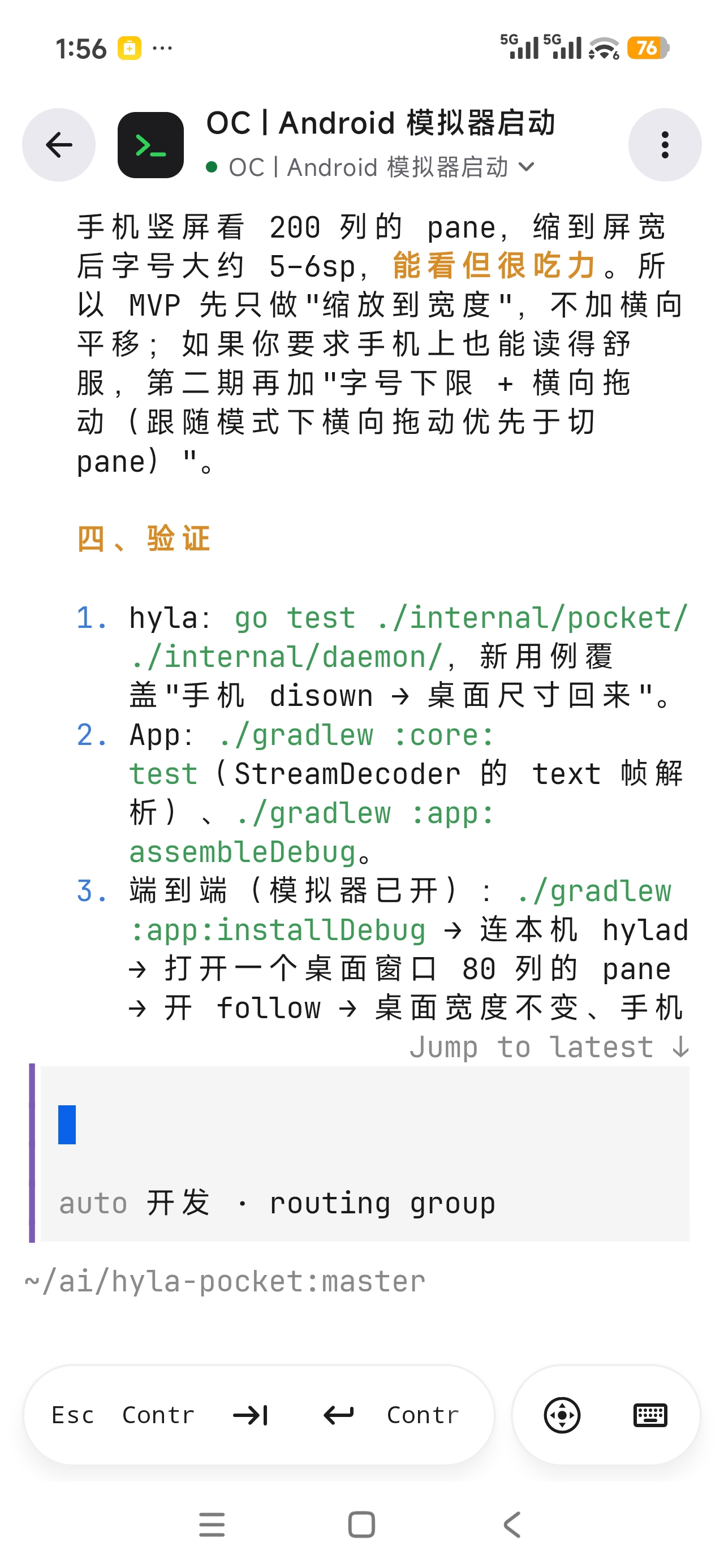
HylaPocket reads this machine’s sessions from an Android phone.
- Every session, with its panes
- Key row: esc, tab, ctrl, alt
- Split, and pick up where you left off
Hop in.
Install Hyla, and stop losing track of your agents.
$ hyla skill setup
$ hyla new -n my-task -- claude